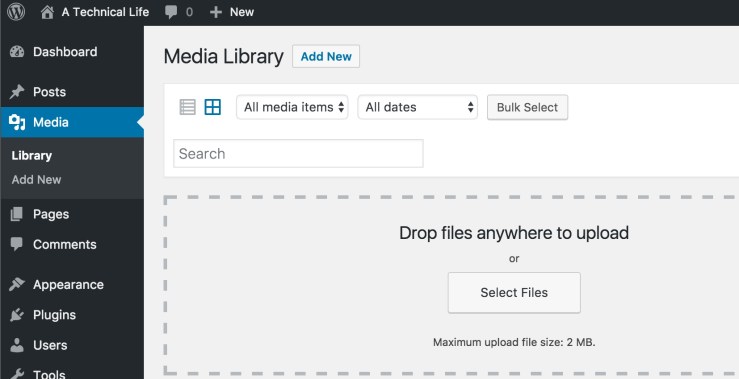
By default WordPress.org installs with a max media upload size of 2MB. You will see the maximum size of a file upload when you Add Media.
I found a site, How to Increase the Maximum File Upload Size in WordPress, that had a few recommendations for how to increase this max size. For me the php.ini option had no affect, but the recommendation to modify the .htaccess worked.
I added the following lines to the .htaccess file in my html root directory for the blog.
php_value upload_max_filesize 64M
php_value post_max_size 64M
php_value max_execution_time 300
php_value max_input_time 300
After making this change WordPress properly displayed the Maximum upload file size as 64MB.

 A Technical Journey